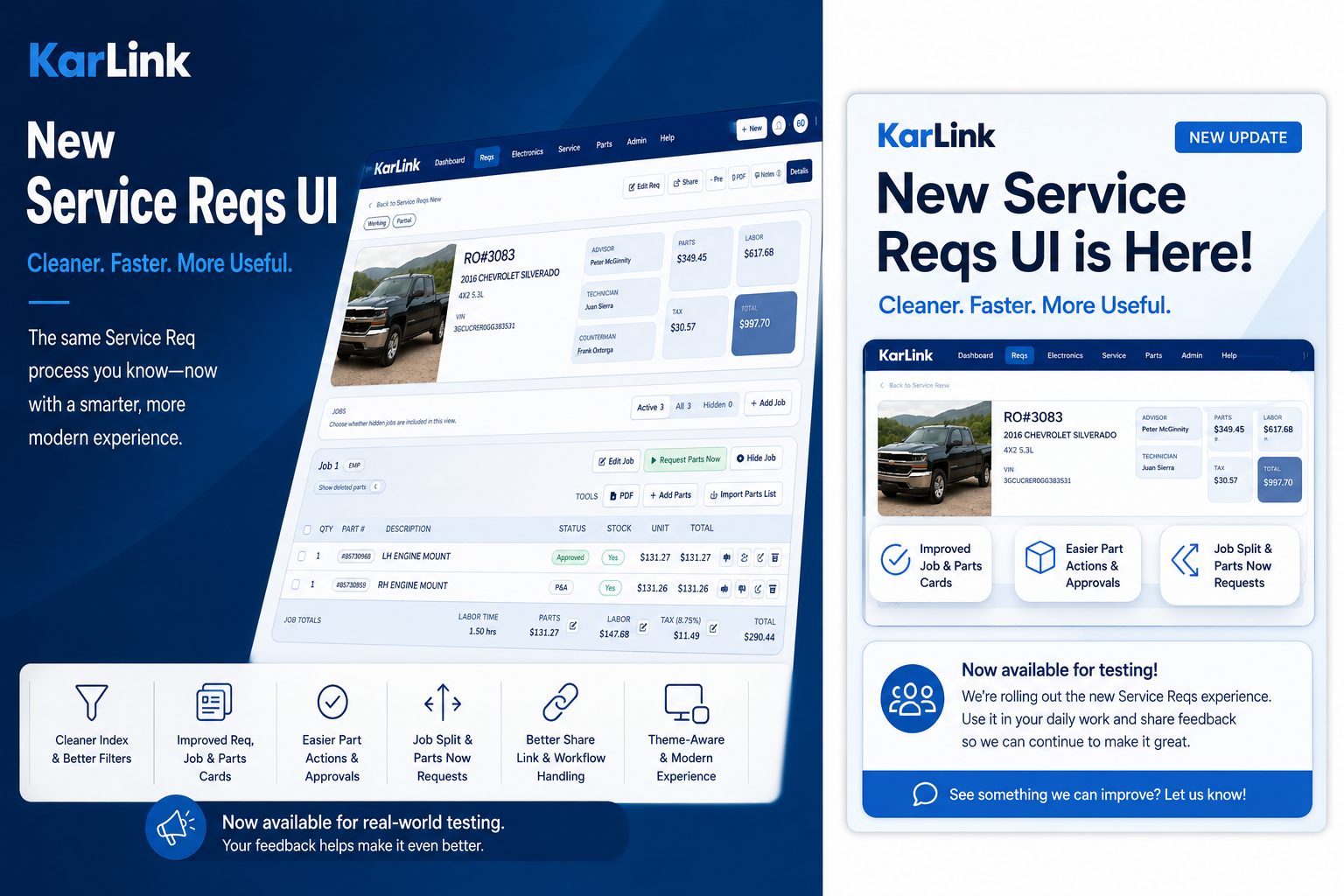
We are starting the rollout of the new Service Reqs experience in KarLink.
This is not a separate req system or a replacement database. The new experience uses the same service reqs, jobs, parts, users, and workflow data already in KarLink. The goal is to make the req process cleaner, faster, and easier to work with while keeping the overall workflow familiar for dealership teams.
The updated Service Reqs area includes a redesigned index, a more detailed req view, improved job and parts layouts, clearer workflow actions, and a more focused interface overall. Users can continue working the same reqs they already know, but the new layout should make it easier to understand what needs attention and what action should happen next.
Some of the larger improvements include:
- Cleaner Service Reqs index with improved filters
- Updated req detail page with clearer vehicle, RO, staff, and totals sections
- Improved job cards and parts layouts
- Easier approve, decline, reset, archive, and restore actions for parts
- Better handling for hidden jobs and archived parts
- Job split workflow for moving selected parts into another job
- Parts Now request option for approved in-stock parts
- Improved P&A and Approved submit workflows
- Better temporary customer share link handling
- Updated modals, confirmations, and theme-aware styling
- Cleaner spacing, organization, and workflow visibility throughout the req process
One of the main goals of this redesign was to reduce clutter while making important workflow actions easier to find. The new layout puts more focus on the req itself, the current workflow state, and the actions users need most during daily dealership operations.
The updated req detail page now provides a clearer overview of the vehicle, RO information, assigned staff, totals, jobs, and workflow status without requiring users to jump between multiple sections. Job and parts areas have also been reorganized to make approvals, pricing, stock visibility, hidden jobs, and archived parts easier to manage.
This release is intended for real-world testing and daily use. Some users may still run into smaller bugs, layout issues, or workflow details that need refinement, and that feedback is important. The goal is to continue improving the experience while teams actively use the new interface in normal dealership operations.
For now, the older Service Reqs UI will remain available while users get comfortable with the updated version.
If something feels confusing, takes too many steps, or does not work the way you expect, please report it so it can be reviewed and improved.
Leave a Reply